vscode关于tab缩进空格

前言

87977950_p0

pid: 87977950

VSCode的Tab代码缩进比较混乱,设置一下会比较好

现在的代码规范基本是使用空格作为Tab使用

GUI设置

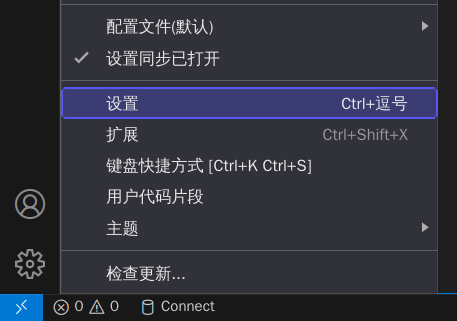
  1. Ctrl+, 打开设置

    image-20230526104111357

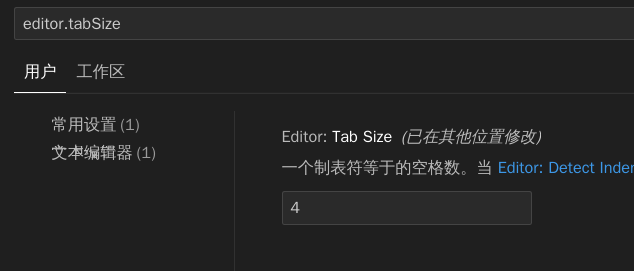
  2. Tab设置为4空格

    1
    editor.tabSize

    image-20230526104034532

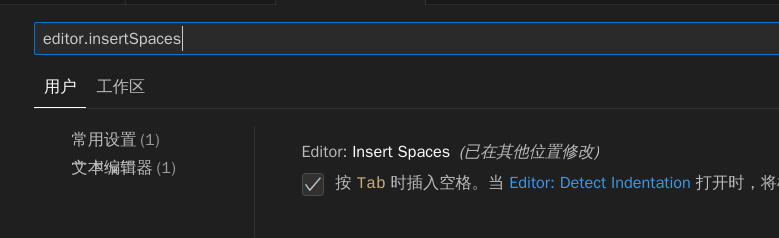
  3. 按下Tab时插入空格

    1
    editor.insertSpaces

    image-20230526103955873

  4. 关闭detect Indentation

    1
    editor.detectIndentation
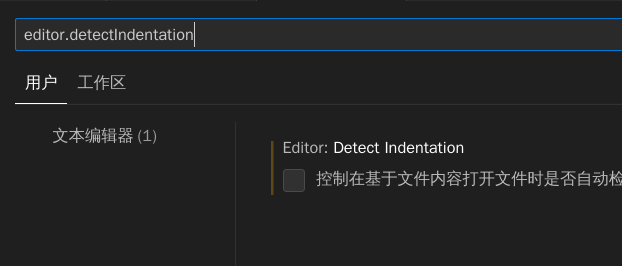
    image-20230526104310819

  5. 保存文件时删除行末空格

    1
    files.trimTrailingWhitespace
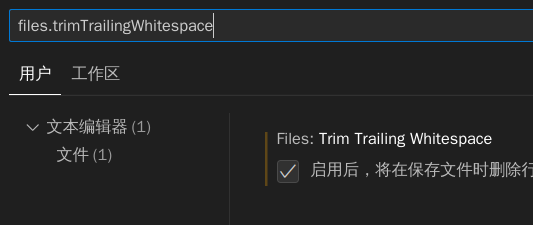
    image-20230526104420352

  6. 编辑器中显示空格、Tab符号

    1
    renderControlCharacters
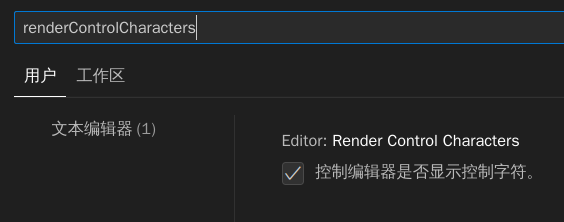
    image-20230526104459048

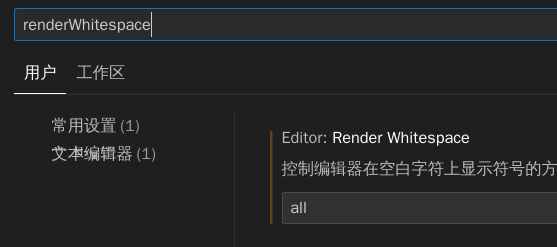
    1
    renderWhitespace

    选择all显示全部空格

    image-20230526104553878

使用setting.json设置

1
2
3
4
5
6
"editor.tabSize": 4,//tab为四个空格
"editor.insertSpaces": true //tab转为空格
"editor.detectIndentation": false, //关闭检测第一个tab后面就tab
"files.trimTrailingWhitespace": true, //保存文件删除多余空格
"editor.renderControlCharacters": true, //制表符显示->
"editor.renderWhitespace": "all", //空格显示...

后记

VSCode真的是越用越好用啊

♥️ 来自 🇨🇳